6 min read ResuFit Team
Job Application Templates in Microsoft Word: Guide
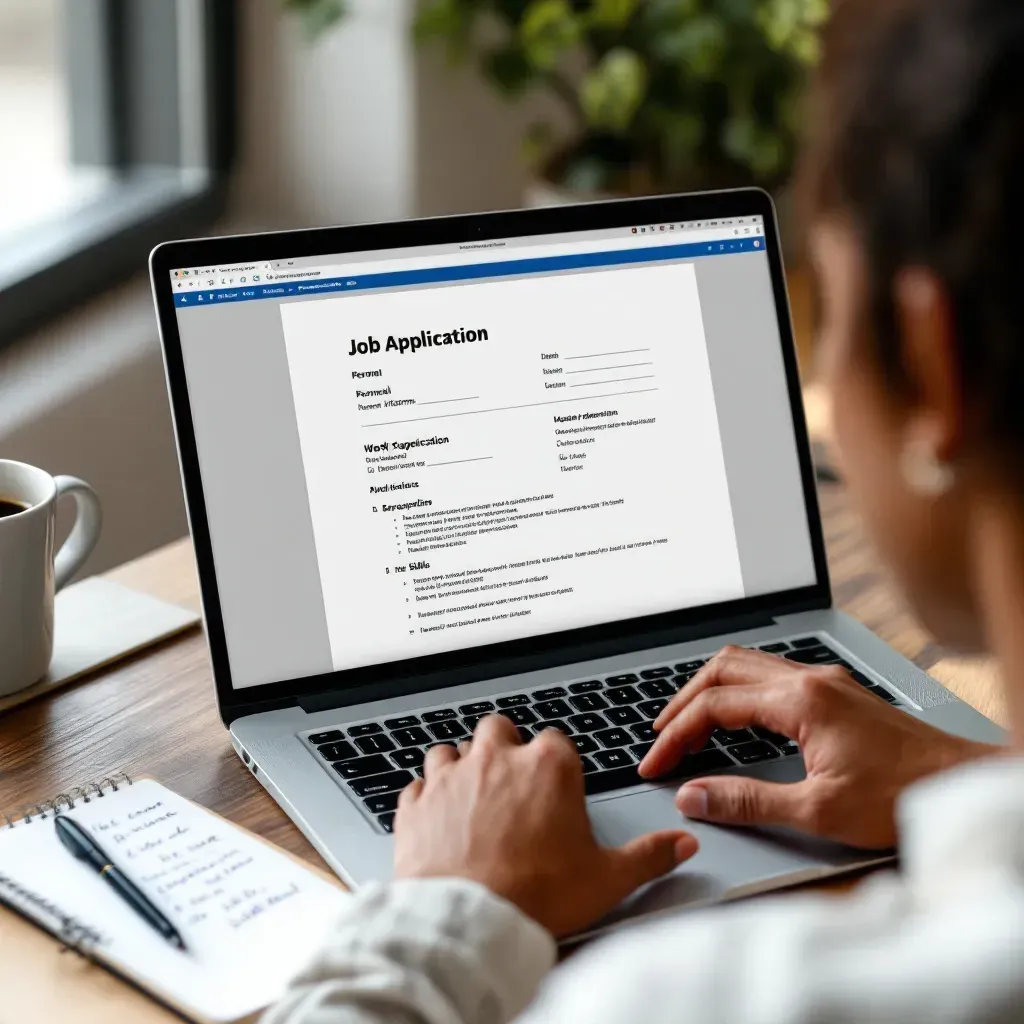
Job application templates in Microsoft Word are free, built into Word under File > New, and work best as 2 matching templates: a resume and a cover letter. If you are an employer, Word can also produce a fillable job application form with content controls. A template fixes the layout. The wording still has to match each job, which is where ResuFit comes in.
TL;DR: Find templates in Word (File > New) or Microsoft’s online gallery, keep 2 matching templates (resume and cover letter) with the same font and header, replace every placeholder, and send a PDF unless the employer asks for Word. To build a fillable application form, use the Developer tab, content controls and Restrict Editing.
What you’ll take away:
The fastest source is Word itself:
The same selection is online in Microsoft’s galleries for resume templates and cover letter templates. They are free and open directly in Word or Word for the web.
If you want layouts chosen for machine readability, start with these ATS-friendly Word resume templates. For a wider overview of free options, see the guide to free resume templates. Students and first-time applicants will find shorter layouts among the free student resume templates.
How does your resume score?
Check Your Score FreeMost applications use 2 matching templates, plus a references page when the employer asks for one:
| Template | Length | What it must handle |
|---|---|---|
| Resume | 1 page for most early-career roles, 2 for long careers | Contact details, experience, education, skills |
| Cover letter | 1 page | Letter layout, greeting, 3 to 4 short paragraphs, sign-off |
| References page (only on request) | 1 page | Names, titles, relationship, contact details |
Use one font, one accent color and one header (your name and contact line) across all of them. A resume from one template and a cover letter from another looks stitched together the moment a recruiter opens both. For the cover letter alone, Word’s free letter templates cover more correspondence formats, and the business application letter samples show the wording.
If you hire people and need a standard application form, Word can build one without extra software:
Keep every question tied to the job. Rules on what an application may ask (for example about salary history or criminal records) differ between US states and cities, so check the rules where you hire before you add those fields.
A good template is plain. Check each one against this list:
Proper resume formatting matters more than decoration. Creative fields allow more design; banks, law firms and government roles expect a classic layout.
The template stays the same for every application. The content should not. For each posting, change at least the cover letter opening, the order of your skills and the terms you mirror from the job description. Quantify results where you can, and back them with resume examples from your level. If a posting asks for one, add a dedicated statement of qualifications.
A template gives you the layout. ResuFit writes the letter for the specific job. ResuFit reads the job posting and tailors your resume and cover letter to it. The analysis and preview are free; the full PDF download comes with Pro: $14.90/month or a per-resume purchase. ResuFit exports PDF, not Word files, so if you want to stay in your own template, copy the tailored wording into it.
Send a PDF unless the posting asks for a Word file. Fonts and spacing can shift when a .docx opens on another computer, and a PDF looks the same everywhere. Edit in Word, then use File > Save As > PDF. Name the file clearly, for example “Firstname-Lastname-Resume.pdf”. The trade-offs are covered in PDF vs Word for your resume.
Microsoft Word gives you free job application templates in a few clicks. Use 2 matching templates, check the page size, clear every placeholder and send a PDF. If you hire, Word’s content controls turn a table into a fillable application form. The template handles the look. For the words, tailor your resume and cover letter to the job with ResuFit and keep the result as a PDF or paste it into your own template.
How does your resume score?
Check Your Score FreeGet the latest tips on resume writing and career advice.
Yes. Open Word, go to File > New and search for "resume", "cover letter" or "application". The same free templates are online in Microsoft's resume and cover letter template galleries. Check the page size (US Letter in the US) and replace every placeholder before you use one.
Turn on the Developer tab (File > Options > Customize Ribbon), build the form as a table, and insert content controls for each field: plain text for names, a date picker for dates, check boxes for yes/no questions. Then use Review > Restrict Editing > Filling in forms so applicants can only type in the fields.
Most applications use 2 matching templates: a resume and a cover letter. Add a references page in the same design only when the employer asks for references. Some employers also have their own application form, which you fill in rather than design.
Send a PDF unless the posting asks for a Word file. A PDF keeps your layout identical on every screen. Edit in Word, then export with File > Save As > PDF (or File > Export).
No. ResuFit exports PDF, not Word files. It tailors your resume and cover letter to a specific job posting; the analysis and preview are free, and the full PDF download comes with Pro or a per-resume purchase. If you prefer your own Word template, copy the tailored wording into it.