6 min read ResuFit Team
How to Find and Customize Free Letter Templates in Microsoft Word
Job Application Materials
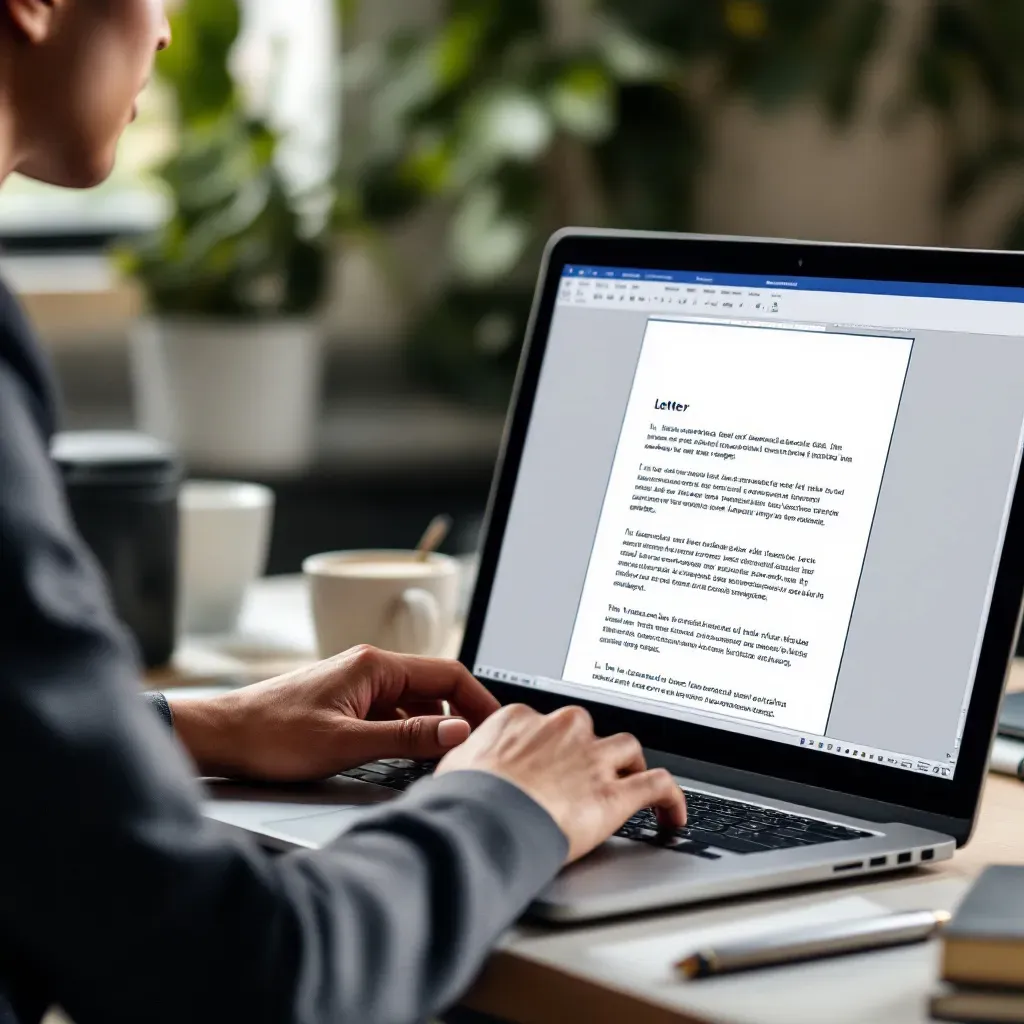
Creating professional correspondence doesn’t have to start from a blank page. Microsoft Word offers numerous free letter templates that can save you time and ensure your documents look polished. Whether you need a cover letter for your job search or a formal business letter, Word’s templates provide an excellent starting point. This guide will walk you through finding, selecting, and customizing these templates for your specific needs.
Microsoft Word comes with a rich library of built-in templates that are just a few clicks away:
The template gallery includes various options for formal business letters, cover letters, resignation letters, and more. Each template is professionally designed to meet standard formatting requirements.
For even more options, visit Microsoft Create, which offers a dedicated repository of professionally designed templates for all your correspondence needs. Here you’ll find additional cover letter templates, business letters, and other professional documents.
Third-party websites like Vertex42 and Template.net also provide specialized templates for specific purposes such as legal letters or academic correspondence.
When searching for templates, you’ll notice they’re organized by category:
For job seekers, the “Application” and “Business” categories are particularly valuable. Look for templates with high ratings and recent updates to ensure you’re using current designs that align with today’s standards.
Professional letter templates typically include standard components arranged in a block format (especially in US/UK business correspondence):
The business letter templates from Vertex42 exemplify these standard formatting conventions, which include proper spacing and alignment. Most professional templates use 1-inch margins and 1.15 line spacing for optimal readability.
While business and application letters share core elements, they differ in several important ways:
For job applications, look for templates that provide space to highlight relevant achievements and skills that match the position you’re targeting. The ResuFit platform can help you identify which skills to emphasize in your application letters to maximize their impact.
Once you’ve selected a template, you’ll need to personalize it:
When customizing templates, be careful not to disrupt the underlying formatting. Use Word’s style controls rather than manual formatting to maintain consistency.
For more sophisticated customization:
The ai letter writer free tools can help you generate personalized content that you can then incorporate into your Word templates for a more tailored approach.
When working with cover letter templates in Word, keep these best practices in mind:
For maximum impact, your cover letter should complement your resume without duplicating it. Focus on telling a cohesive story about why you’re the right candidate for the position.
Different situations call for different approaches to your letter:
If you’re struggling with what to include in your letter, ai prompts to use when writing a cover letter can help you generate ideas tailored to your specific situation.
Even the best templates can sometimes present challenges:
If you find yourself struggling with technical issues, using an ai cover generator like ResuFit can eliminate these formatting headaches entirely.
Once your letter is complete:
For job applications, many recruiters prefer PDF format to ensure your letter appears exactly as intended regardless of the system used to view it.
Microsoft Word’s free letter templates provide an excellent foundation for creating professional correspondence quickly. By understanding how to find, select, and customize these templates, you can create polished letters that make a strong impression without spending hours on formatting.
Whether you’re writing a simple cover letter sample for a job application or formal business correspondence, these templates can streamline your workflow and help you focus on what really matters—the content of your message.
For an even more efficient approach to job application documents, consider using ResuFit, which combines the convenience of templates with AI-powered customization to create perfectly tailored application materials in minutes.
Get the latest tips on resume writing and career advice.