5 min read ResuFit Team
InDesign Resume Templates: Create Professional CVs That Stand Out
Job Application Materials Resume & CV Tools
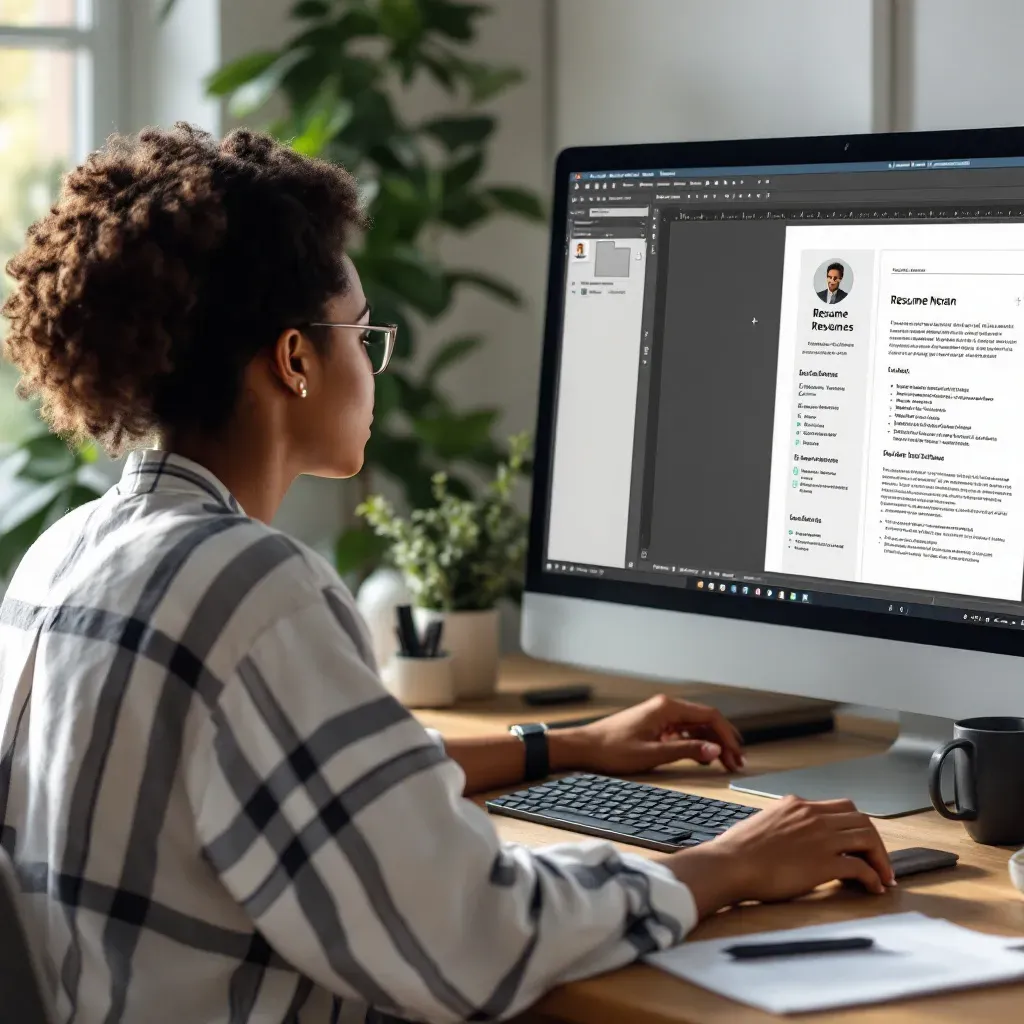
In today’s competitive job market, a well-designed resume can be your ticket to landing an interview. While traditional word processors offer basic formatting options, Adobe InDesign provides unparalleled control over design elements that can help your application stand out from the crowd. Let’s explore how InDesign resume templates can elevate your job application materials.
Adobe InDesign empowers job seekers with exceptional design flexibility that’s particularly valuable in creative industries. Unlike rigid word processors, InDesign offers precise control over layouts, typography (with access to 17,000+ Adobe Fonts), and color schemes. This design power allows you to create resume formatting that perfectly balances creativity with professionalism.
“InDesign’s strength lies in its ability to handle complex layouts while maintaining pixel-perfect precision,” explains design expert Oliver Reichenstein in an interview about resume design software. This makes it ideal for fields like marketing, graphic design, or any position where visual communication skills matter.
The program also supports the creation of one-page documents that meet the standards expected in corporate roles while offering enough creative freedom to showcase your personality. With ResuFit‘s analysis tools, you can ensure your InDesign-created resume maintains the perfect balance between design appeal and ATS compatibility.
When searching for the right template, prioritize platforms offering industry-specific designs that match your career goals:
Creative Fields: For design, marketing, and media positions, look for templates with visual elements that showcase your aesthetic sensibility. Platforms like Behance offer free designer-curated layouts like “Light and Right” that provide minimalist appeal while highlighting creative achievements.
Corporate Positions: When applying for traditional business roles, select clean, structured templates with traditional layouts. Adobe Stock offers professional templates with ATS-friendly structures that maintain corporate expectations while still looking distinctive.
Technical Roles: Engineers and developers should seek templates that effectively organize skills and technical qualifications. GraphicRiver provides premium options with dedicated sections for technical competencies and data visualization elements.
Academic Positions: Researchers and educators need templates with space for publications and research experience. Look for designs that accommodate longer content while maintaining readability.
For US job seekers, following an American resume format sample is crucial—avoid overly decorative templates in conservative industries and opt for clean, section-focused designs that highlight achievements.
The true power of InDesign lies in customization. Here’s how to make any template your own:
ResuFit‘s resume analysis feature can help identify these design issues before you submit your application, ensuring your customized template maintains professional standards.
Your beautifully designed resume needs proper exporting to maintain its impact across delivery methods:
Print/PDF: Export as high-resolution PDF with proper crops and bleeds for professional printing. This is perfect for in-person interviews or networking events.
Digital Portfolios: Create interactive PDFs with embedded hyperlinks to your LinkedIn profile or project examples. This enhances the experience for digital reviewers.
ATS Compliance: For online applications, simplify designs to ensure automated parsing systems can accurately read your information. ResuFit‘s ATS optimization tools can verify your InDesign resume will pass through these systems successfully.
Once you’ve mastered the basics, consider these advanced techniques:
These features can transform standard resume examples into truly cool looking resumes that capture attention while maintaining professionalism.
InDesign resume templates offer the perfect balance of design flexibility and professional structure for job seekers who want to make a strong visual impression. While the learning curve may be steeper than word processors, the results can significantly enhance your job application materials.
For those without design experience or InDesign skills, services like ResuFit offer an excellent alternative—providing professionally designed templates with AI-powered optimization that ensures your resume not only looks great but also performs well in ATS systems and appeals to hiring managers.
Whether you choose to master InDesign or use affordable resume writing services like ResuFit, investing in a well-designed resume is an investment in your career future.
Get the latest tips on resume writing and career advice.